Guide
GDPR and CCPA Data Mapping: A Developer's 2026 Guide to Automated Compliance
GDPR and CCPA data mapping in 2026: automated ROPA, data flow diagrams, CI/CD integration, and DSAR workflows for regulated data.
- Published
- Reading time
- 8 min
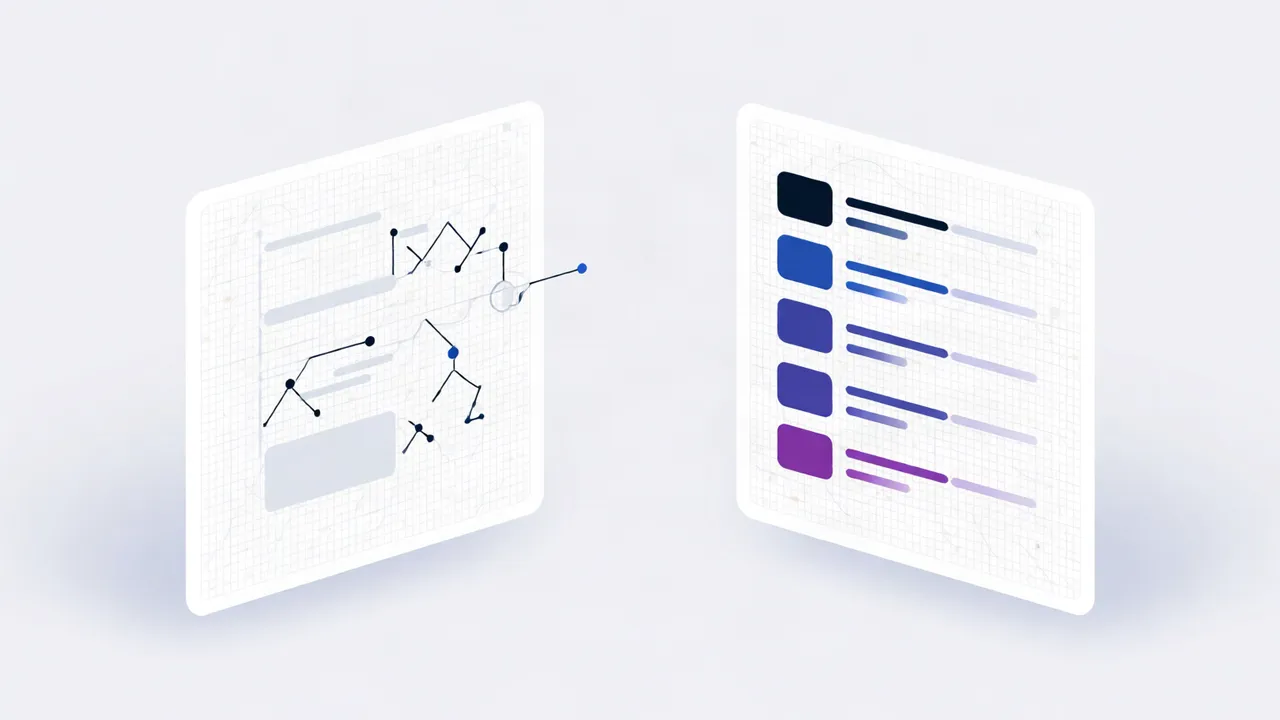
GDPR and CCPA data mapping in 2026 means maintaining a machine-readable inventory of every regulated field, where it flows, and how long it is kept. GDPR Article 30 requires controllers to document processing activities, and CCPA’s data inventory obligations require businesses to trace personal information across vendors and systems. If your map is a spreadsheet that goes stale after deployment, you are not compliant; you are running security theater.
Key takeaways
- GDPR Article 30 and CCPA data inventory rules are continuous obligations, not one-time documentation projects.
- Automated discovery works only when it maps to schema fields, legal basis, and retention schedules—not just file names.
- A live data inventory powers DSAR responses and cybersecurity audits, but it cannot replace legal review of the basis for processing.
- Data mapping breaks in CI/CD when schema changes are not reflected in the privacy inventory.
Why is data mapping critical for 2026 privacy compliance?
GDPR Article 30 requires controllers to maintain Records of Processing Activities (ROPA) that list processing purposes, categories of data subjects, recipients, and retention periods. CCPA’s data inventory requirements require businesses to know what personal information they collect, where it is stored, and who receives it. In 2026, regulators expect these records to be current, not reconstructed after a breach or a subject access request.
Privacy vendors publish guidance on GDPR data mapping and enterprise data mapping for CCPA regulations, but the underlying obligation is the same: you must be able to show an auditor exactly what personal data you hold and why.
The risk is not a missing document. It is a document that no longer matches the database. I have seen teams pass a Q1 audit with a clean ROPA, then deploy a new analytics pipeline in Q2 that copies email addresses to a third-party enrichment service. The map was correct on paper and wrong in production.
How do you automate personal data discovery for regulated data?
Automated personal data discovery scans databases, object stores, and SaaS applications to find columns and fields that contain regulated data. It works best when it classifies by schema field and content pattern, not by file name alone. A column named customer_email is easy; a JSON blob containing unstructured notes is harder.
We use a combination of pattern matching and dictionary matching. For regulated data, that means looking for identifiers (email, national ID, account number), quasi-identifiers (date of birth, zip code), and sensitive categories (health, financial, biometric). Standards like FHIR, LOINC, HIPAA, and PCI give us concrete field sets to match against, but the matcher still needs tuning for your schema.
The trade-off is precision versus coverage. A broad scanner flags every column with the word "address," including IP addresses and billing addresses, which creates noise. A narrow scanner misses the field named cust_addr_v2. I usually start with a high-recall pass, then manually review the top 50 hits to build a rule set.
For implementation detail on schema-level mapping, see our Automated Schema Mapping for Regulated Data: A 2026 Developer's Playbook.
What belongs in a data flow diagram for GDPR compliance?
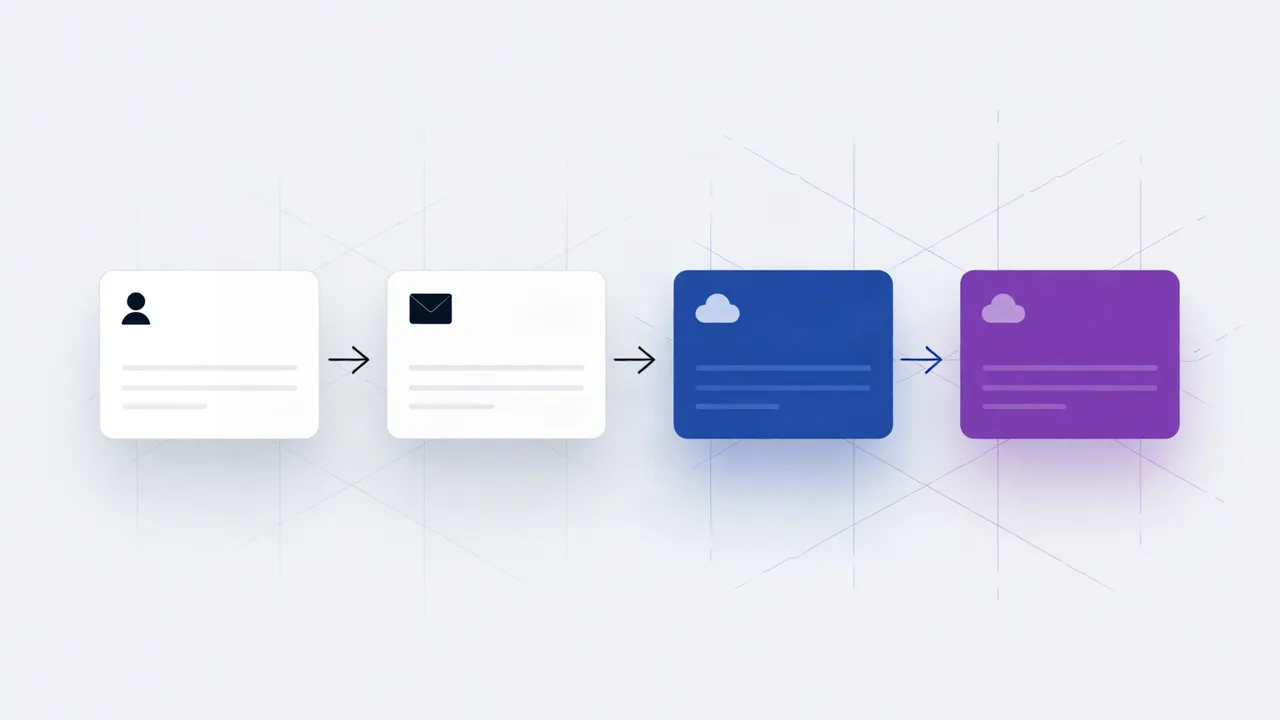
A GDPR-compliant data flow diagram must show the data subject, the categories of personal data, the controller and processor, any recipients, cross-border transfers, and the retention period for each flow. It is not an architecture diagram; it is a processing map.
| Element | What to capture | Example |
|---|---|---|
| Data subject | Who the data is about | Customer, employee, patient |
| Categories of data | Type of personal data | Contact details, health records, payment card data |
| Controller | Who determines purpose and means | Your company |
| Processor | Who processes on your behalf | Cloud provider, email vendor |
| Recipients | Who receives the data | Marketing platform, payment gateway |
| Transfers | Cross-border movement | EU to US, US to India |
| Retention | How long it is kept | 24 months, 7 years, until account closure |
I recommend drawing this at the schema-field level, not the system level. A diagram that says "user data goes to the analytics warehouse" is too vague. It should say "email address and hashed user ID flow from the auth service to the analytics warehouse, retained for 18 months."
Personal data identification and classification happens here. You classify each field as public, internal, confidential, or restricted, and you tag it with the applicable regulation. This classification drives retention and access control.
How do you build Records of Processing Activities (ROPA) automatically?
ROPA automation means generating the Article 30 record from your data map instead of writing it by hand. The record needs: controller details, purposes of processing, categories of data subjects and personal data, recipients, transfers, retention periods, and security measures.
We generate ROPA entries from the data flow diagram. Each flow becomes one or more processing activities. The legal basis (consent, contract, legitimate interest, legal obligation) is a field in the data contract, not a comment in the code. If that field is missing, the CI/CD pipeline should fail.
The limitation is that automation can capture what the system does, not why the law allows it. A scanner can tell you that you process health data; it cannot tell you that you have explicit consent under Article 9. That still requires a human.
For field-level mapping between HR systems and privacy regulations, see Mapping HR Data to PII Compliance: A Developer's Guide to CCPA and GDPR Fields.
How do you meet CCPA Article 9 data inventory requirements with a live data inventory?
CCPA’s cybersecurity audit expectations require businesses to demonstrate reasonable security practices and to know what personal information is at risk. A live data inventory—updated whenever a schema changes—gives auditors a current view of regulated data rather than a static snapshot.
The inventory should track: data source, destination, field names, encryption at rest and in transit, access logs, and retention. When a cybersecurity auditor asks which systems hold California residents' payment card data, you should be able to query the inventory and get a list, not a spreadsheet someone assembled over two weeks.
This is also where DSAR automation connects. If you know where a consumer's data lives, you can fulfill a deletion or access request by querying the inventory and executing against the listed systems. Without the inventory, DSARs are manual ticket storms.
We have found that the inventory breaks when teams treat it as documentation rather than infrastructure. It needs an API, a schema, and an owner.
How do you integrate data mapping with CI/CD pipelines and data contracts?
Data mapping dies at deployment time if it is not part of the build pipeline. A schema change—renaming a column, adding a table, changing a data type—should trigger a check against the privacy inventory. If the change introduces a new regulated field without a mapped retention period or legal basis, the build fails.
We implement this as a CI/CD gate. The pipeline pulls the current schema, compares it to the data map, and flags unmapped fields. Data contracts define the shape and semantics of data between services; the privacy layer adds fields for legal basis, retention, and cross-border transfer. If the contract changes, the map updates.
This builds on Data Contracts for Regulated Data: A Developer's 2026 Implementation Guide. The contract says what the data is; the privacy map says what you are allowed to do with it.
The failure mode I see most often is a green build with a red privacy state. The code deploys, the data flows, and no one updates the map. Automate the check or accept the drift.
What metrics and continuous monitoring keep compliance measurable?
Compliance is only measurable if you measure it. We track four metrics:
- Unmapped regulated fields: fields containing PII or PHI with no entry in the data map. Target: zero.
- Map staleness: days since the inventory was last validated against production schema. Target: under 7 days.
- DSAR fulfillment time: hours from request receipt to completion. Target: under 30 days, ideally under 7.
- Inventory coverage: percentage of production systems feeding the map. Target: 100% for systems handling regulated data.
Continuous monitoring means a scheduled job that diffs the live schema against the map and alerts on drift. It also means reviewing access logs to confirm that data is only flowing to documented recipients.
If you are not measuring these, you are not maintaining compliance. You are hoping.
How do you map your first regulated dataset?
Start with one regulated dataset, not the entire enterprise. Pick a system that holds personal data and has a defined schema—an HR system, a customer database, or a patient registry.
- Export the schema.
- Run discovery to flag regulated fields.
- Classify each field and assign a legal basis and retention period.
- Draw the data flow: source, transformations, destinations.
- Generate the ROPA entry or CCPA inventory record.
- Add a CI/CD check so future schema changes are reviewed.
The first map will be wrong in places. That is fine. The goal is a living document that improves with every deployment, not a perfect document delivered once.
For anonymization strategies that reduce the scope of regulated data, see Data Anonymization Techniques for Regulated Data: A 2026 Practical Guide.
Map a single regulated dataset to see what your inventory looks like.
FAQ
What is automated data mapping for privacy compliance?
Automated data mapping for privacy compliance is the process of using software to discover, classify, and track personal data across systems so that records required by GDPR and CCPA stay current without manual spreadsheets.
What data mapping tools support GDPR and CCPA?
Tools range from data discovery scanners and data catalogs to privacy platforms that generate ROPA and data inventory records. The right tool depends on whether you need field-level schema mapping, data flow visualization, or both.
How do you automate records of processing activities (ROPA)?
You automate ROPA by generating processing records from your live data map: each data flow becomes a processing activity with fields for purpose, legal basis, recipients, transfers, and retention. Automation captures the technical record; a human still validates the legal basis.
What is CCPA Article 9 and how does it relate to data inventory?
CCPA’s data inventory requirements require businesses to document what personal information they collect, where it is stored, and how it is shared. A live data inventory supports cybersecurity audits and consumer rights requests by providing an up-to-date account of regulated data.
How are data flow diagrams used for GDPR compliance?
Data flow diagrams for GDPR compliance show how personal data moves through systems, who receives it, where it is transferred, and how long it is retained. They are used to demonstrate Article 30 compliance and to respond to regulatory inquiries.